If you have been assigned as an administrator on your account, you will have access to the Users tab under Home.
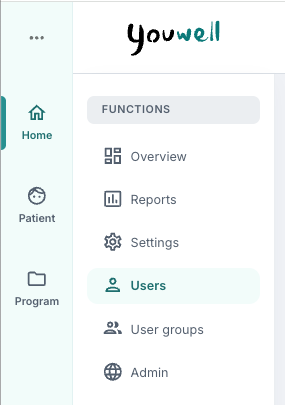
Here you will find an overview of the users on the account is shown, and it is possible to create new users from this page. In addition, some filters are available at the top which can help sort the users.
List of users
When you open Users, a list of the users on the account is displayed with the following information:
- First name – the first name of the user
- Last name – the last name of the user
- Role – the role(s) that are assigned to the user
- Email – the email address associated with the user
- Last updated – time of last update/change in the system
- Last login – time of last sign-in to the platform
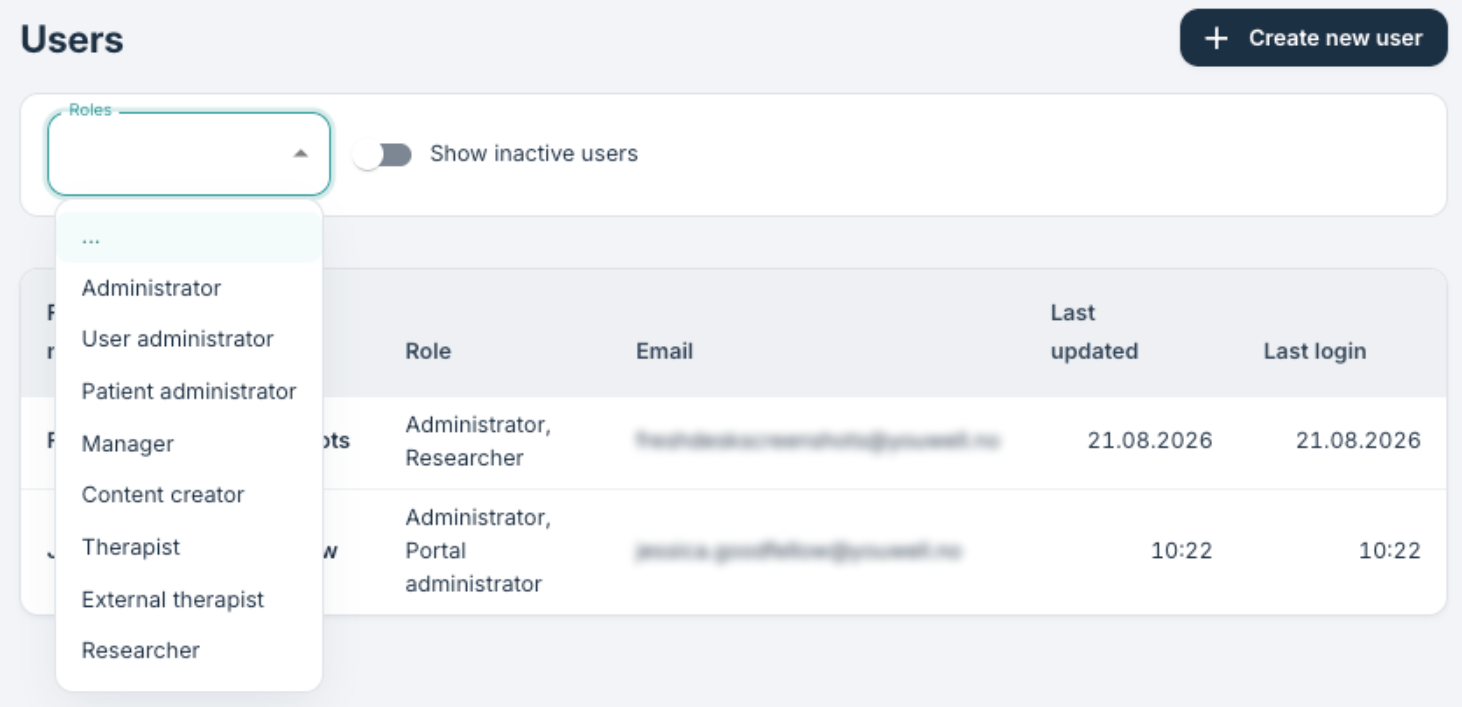
At the top of the page it is possible to sort by roles and to show inactive users if desired. It is also possible to open a user to adjust some settings, for example if the password has been lost and a new one is needed.
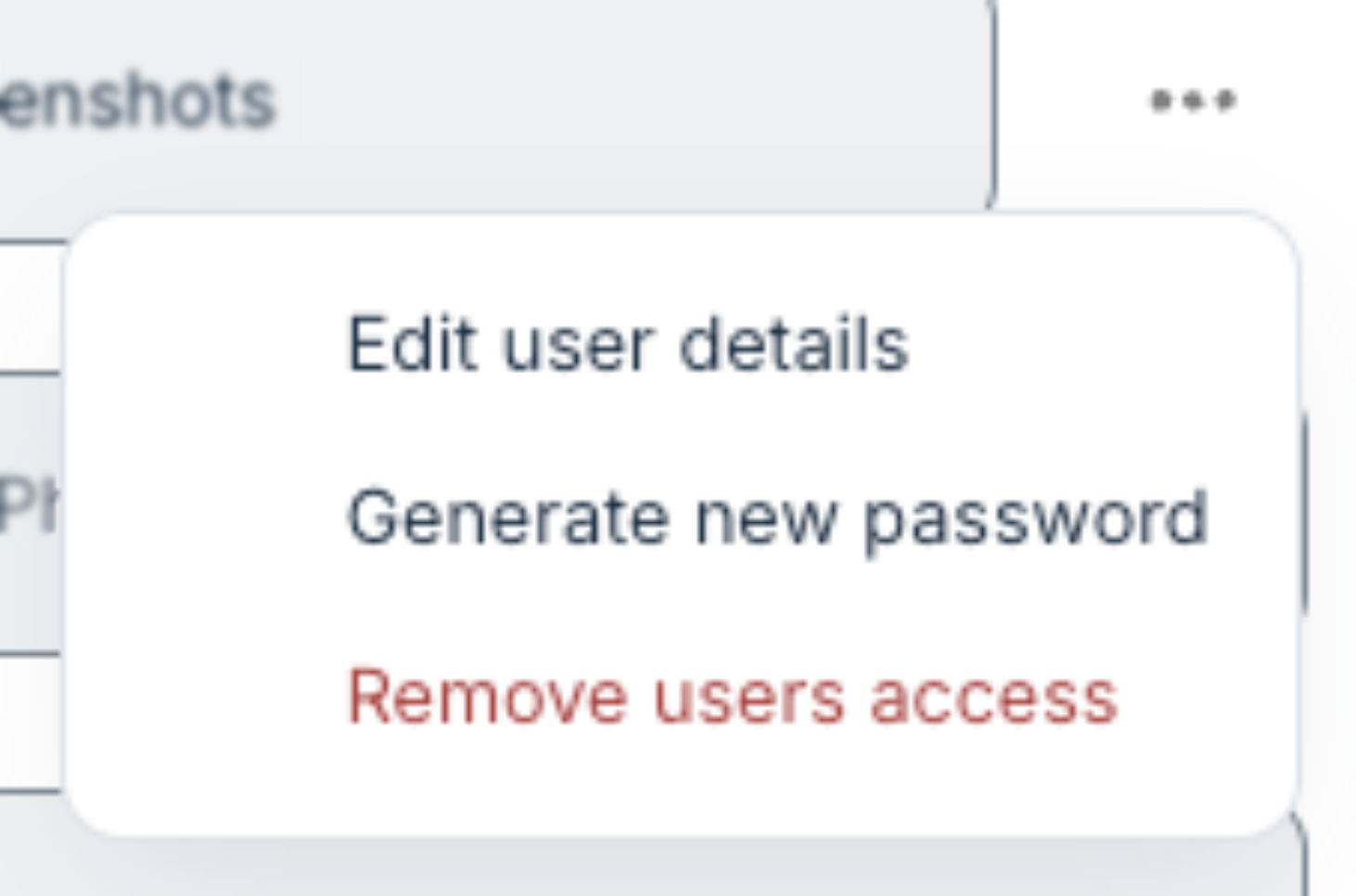
By using the menu with three dots next to the name you can choose Edit user details to change the fields that should be updated. From this menu it is also possible to remove access for a user.
Add new user
At the top right there is a plus icon which can be used to create a new user for the organisation.
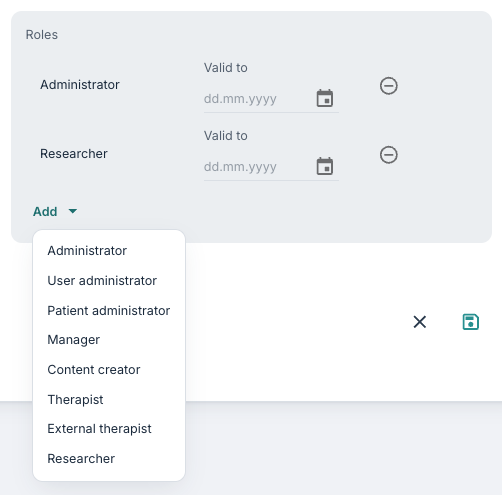
First name, national identity number (if ID portal is used), email and phone number can be entered. Then a role can be assigned to the user. A user can have multiple roles, and information about the different roles can be found in the article about Different roles and accesses.
It is possible to specify an expiry date for the roles. If the field is left blank, the role will not have an expiry date.
There is also a choice about whether the user should receive a welcome email with information about sign-in. If this choice is ticked, an email is sent to the user. Then the link to the Youwell platform can be shared with the person so that the user can sign in to the platform and begin using it.
Was this article helpful?
That’s Great!
Thank you for your feedback
Sorry! We couldn't be helpful
Thank you for your feedback
Feedback sent
We appreciate your effort and will try to fix the article