On each programme it is possible to activate some additional features and settings around health registrations. The tools here are designed for some specific use scenarios where the patient can provide more details around, for example, sleep, alcohol consumption or activities that they have done.
Most of the tools made available under Features on programme settings have a corresponding sub-page in the Patient tab so that clinicians can follow up the responses there. In this article a short summary is given of the different features that can be activated, and the settings that can be set up under Health registrations.
CONTENTS
Activate new features

Below are some additional features which can be made available for the patient, presented in a table including the relevant link for more information. The therapist will be able to see the results from these features under the Diary-part of the patient page.
| Feature | Description | Link to more info |
|---|---|---|
| Exposure training | Feature with the choice between simplified view, panic disorder and social anxiety disorder which supports training with exposure to challenging situations.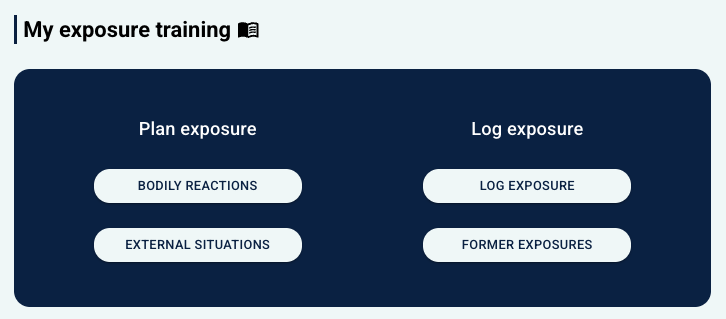 | Exposure Training |
| Health registrations | Collection of various health registrations that can provide information to clinicians, including Goals and barriers, Weight and waist measurement, Blood sugar, Medicine, Diet, Blood pressure, Activity, Nicotine and Psychosocial relations.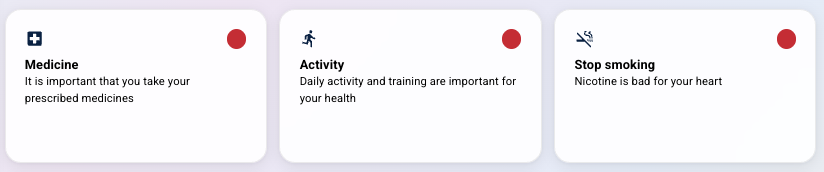 | My health (Health Registrations) |
| Alcohol consumption | Feature where the patient can record planned and actual alcohol consumption. | Alcohol consumption |
| Sleep diary | Diary for daily recording of sleep, including sleep type, time slept and sleep quality. | Sleep diary |
| Activity diary | Calendar view for recording activities and duration.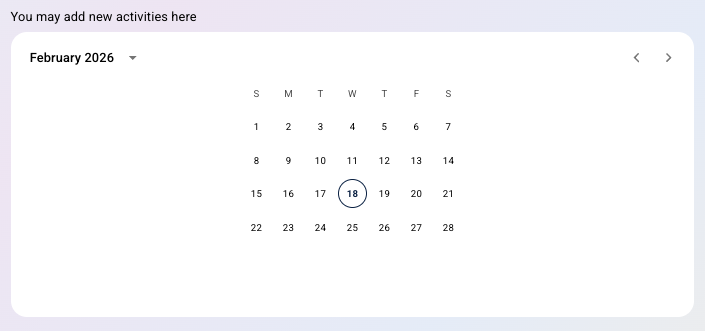 | Activity Diary & Plus Activities |
| Plus activities | Extended activity registration with multiple questions about the activity that has been done.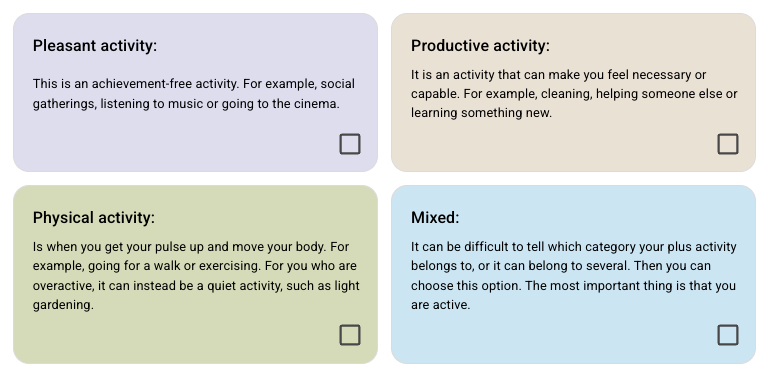 | Activity Diary & Plus Activities |
| Patient diary | Daily journal function for the patient to note how the day has been.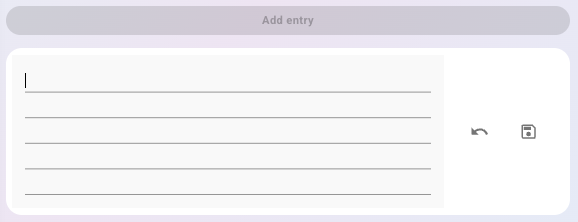 | Patient Page: Diary |
Health registrations

The tab provides the possibility to customise alerts and rules around flagging based on what the patient has entered under the health registrations.
Alerts for missing registrations
It is possible to enable alerts for missing registrations, with choice of which type of registration it concerns, and whether alerts are daily, weekly or monthly, as well as the point of time.
Alerts for missing medicines
Settings for whether the patient receives alerts about missing medicine registration in the morning, mid-day or in the evening, with choice of time for the alert. This setting is associated with the Medicine-tool under Features.
Flagging of registrations
Settings for the relevant registrations (according to Registration type), and desired flag colour (red, yellow or green). There are also choices for conditions, such as whether a value is higher or lower than a particular value, and which message is shown to the therapist.
Advanced settings
Some customised functions may be available by using a special code, and you may contact support for more information.
Was this article helpful?
That’s Great!
Thank you for your feedback
Sorry! We couldn't be helpful
Thank you for your feedback
Feedback sent
We appreciate your effort and will try to fix the article