Health registrations are a collection of tools that can be activated for patients so that the clinician has access to relevant information about health and lifestyle. The features can be activated under Health Registrations in Features in the program settings.
When a registration is activated, the corresponding tool becomes available to the patient under My health in the patient application.
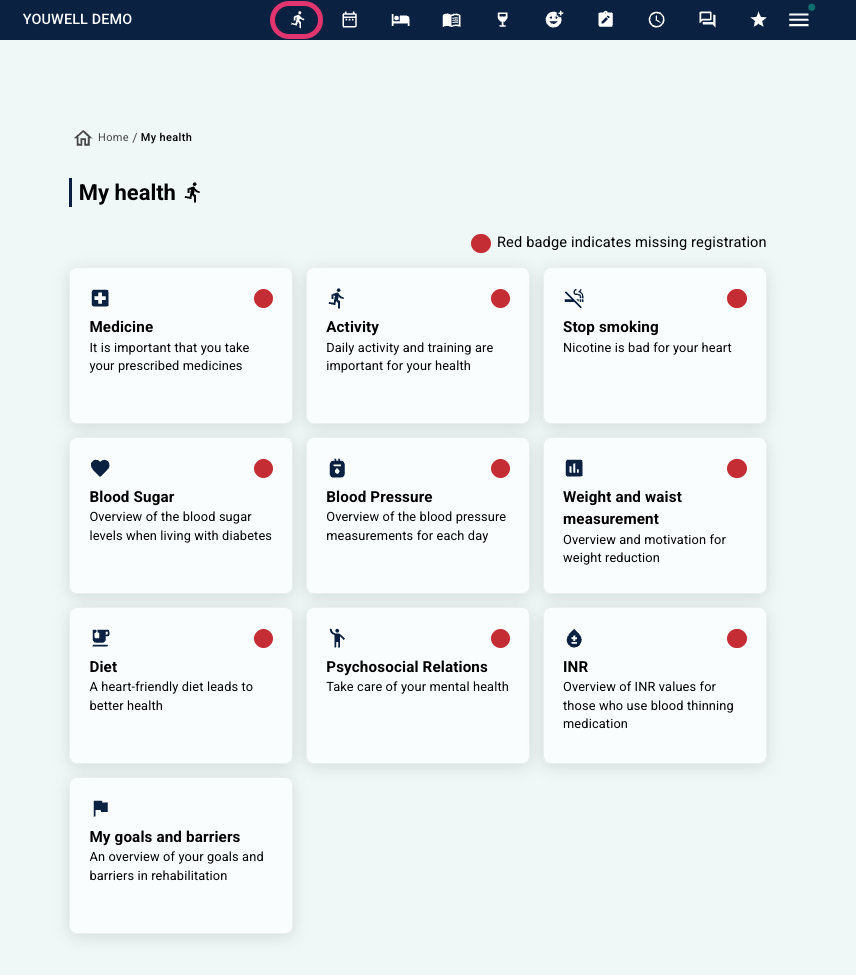 Display in the previous patient app design (pre-2026) | 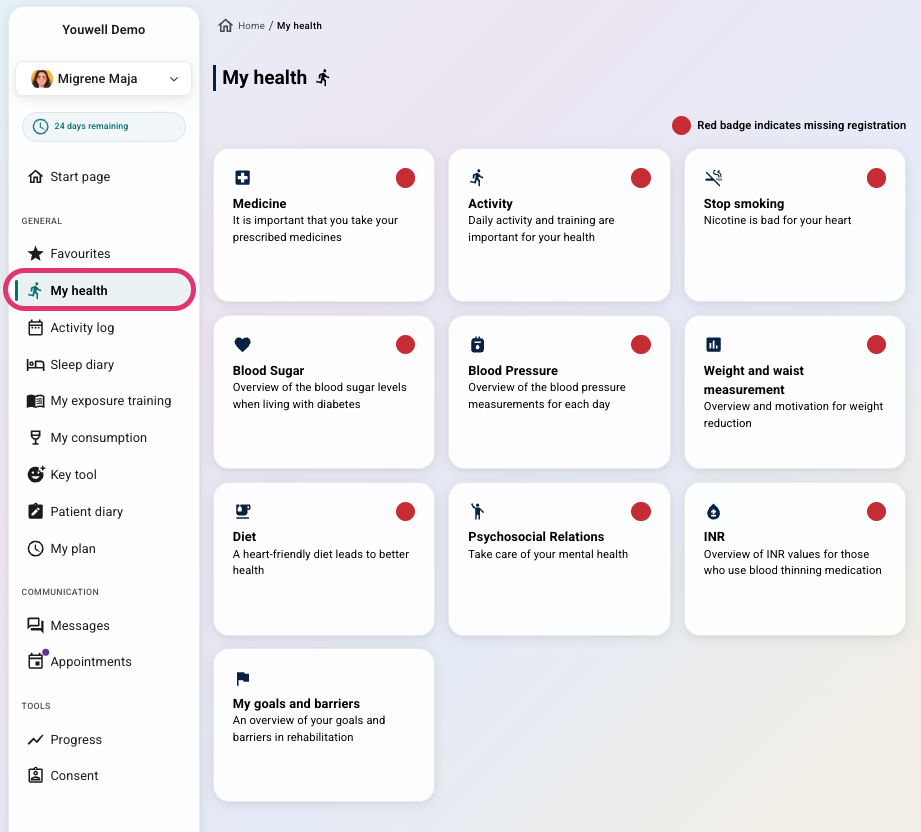 Display in the new patient app design (from 2026) Display in the new patient app design (from 2026) |
The clinician finds the registrations under the Health section in the Diary menu on the patient page. Each type of registration is shown in its own collapsible section. Results and responses are typically presented in a table format, with Latest goal at the top, followed by a history of registration dates and relevant columns.
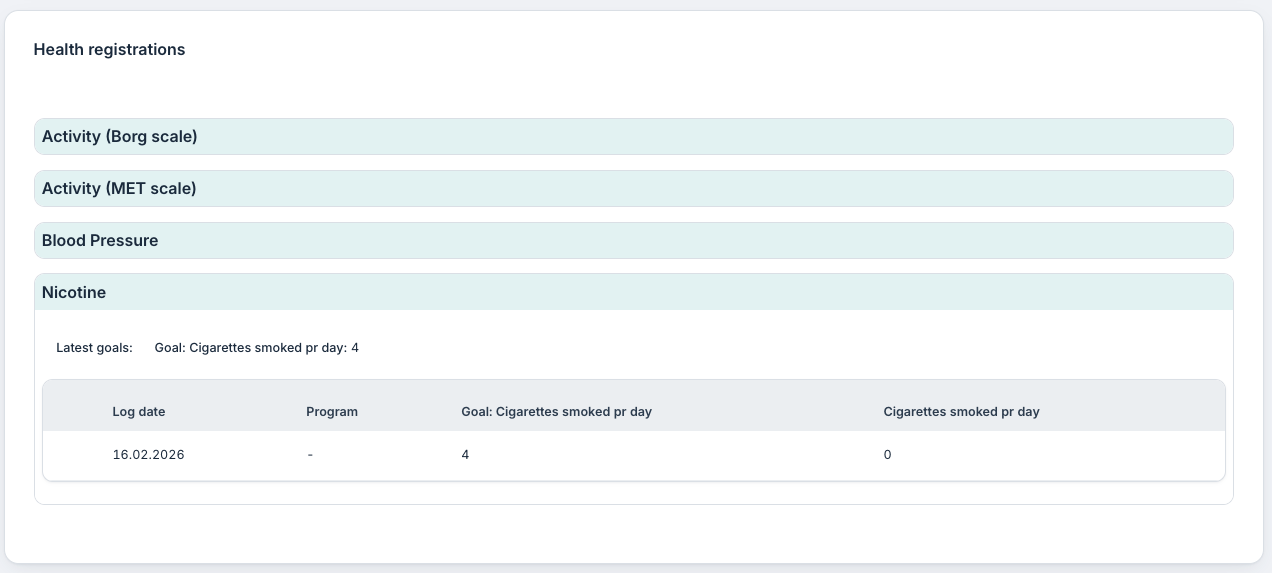
Overview of Health Registrations
In the table below, we describe how the measurements and registrations work for the patient and how the view appears for clinicians:
| Registration type | Patient view | Clinician view |
|---|---|---|
| Goals and barriers | The patient answers questions about their main goal for rehabilitation, which subgoals are relevant to reach the main goal, which barriers might stand in the way, and what responsibility they have in the process. The answers can be updated at any time, and previous versions are stored in a history table so that the patient has an overview of progress over time. | The clinician sees a table with registration dates and separate columns for main goal, subgoals, barriers, and responsibility – corresponding to the questions the patient has answered. This gives the clinician a picture of the patient’s focus and any changes. |
| Weight and waist measurement | The patient enters targets for desired weight and waist measurement. It is then possible to enter weekly measurements, which are displayed in two graphs, one for weight and one for waist measurement. A history table shows previous registrations. Targets can be updated along the way. | The clinician gets Latest goal presented at the top, followed by a table with registration date, target in kg, actual weight, target in cm and actual waist measurement. |
| Blood sugar | The patient sets desired minimum and maximum values for blood sugar and records daily measurements in mmol/L. Each registration includes time, fasting status and any comments. The data are displayed in a graph of average weekly blood sugar and in a history table. | The clinician sees target values for max/min blood sugar at the top, followed by a table with registration date, target values, actual blood sugar, time, fasting status and comments. |
| Medicine | The patient enters medicines in a personal medicine list, with dosage, strength and plan for when they are recorded as taken. It is possible to mark when the medicine has been recorded as taken, and discontinued medicines are shown in a separate list. The calendar is updated when changes are made. You can read more about this here: Medicines. | The clinician sees two lists: one for active medicines and one for discontinued medicines. When selecting a medicine, details appear about dosage, strength, intake plan and overview of dates when the medicine is recorded as taken or not taken. |
| Diet | The patient marks various goals related to diet, for example “Eat five a day”, “Choose wholegrain bread and crispbread”, “Reduce salt intake”. Each week it is recorded whether the goals are achieved. The history gives an overview and feedback over time. Previous goals are stored in a separate table. | The clinician sees Latest goal at the top, followed by a table with registration date and the goals as column headers, marked with whether they are reached or not. |
| Blood pressure | The patient records up to six blood pressure measurements per day with systolic and diastolic values. The system shows average values for each part of the day, and all measurements are stored in a history table. | The clinician gets a table with registration date, all morning and evening measurements, average values for both times and any indications if values lie outside target range. |
| Activity | The patient sets activity goals based on number of minutes, daily steps and MET-scale or Borg-scale points. It is possible to record activities with category, sub-category and duration. Either the MET or Borg-scale will be activated on the programme, and the patient view will depend on this selection. | The clinician sees Latest goal at the top and a table with registration date, goals for minutes/steps etc., as well as overview of recorded activities with category and duration. |
| Nicotine | The patient sets targets for use of cigarettes, snus or e-cigarette and records daily consumption. Progress is shown both as a graph and a weekly summary comparing targets and actual consumption. | The clinician sees Latest goal at the top, followed by a table with date, goal and actual consumption. |
| Psychosocial conditions | The patient records daily how they experience various areas and emotions, for example security, irritability, loneliness and anxiety. The information is used to update overview graphs for self-reflection. | The clinician sees the scores in table format, with registration date and rating for each area. |
Was this article helpful?
That’s Great!
Thank you for your feedback
Sorry! We couldn't be helpful
Thank you for your feedback
Feedback sent
We appreciate your effort and will try to fix the article