The patient diary can be activated under Features in Settings on the program. This is a personal journal where the patient can note how they are doing from day to day.
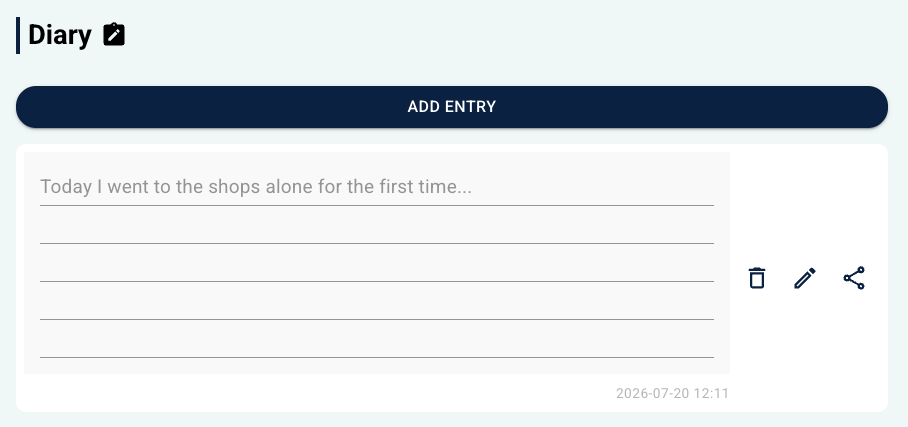 Display in the earlier patient app design (pre-2026). Display in the earlier patient app design (pre-2026). | 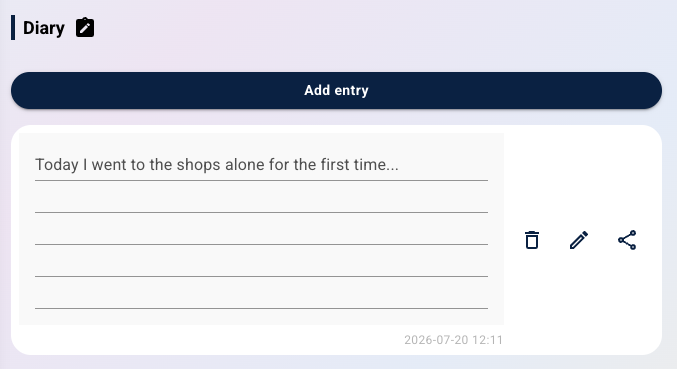 Display in the new patient app design (from 2026) Display in the new patient app design (from 2026) |
Patient access in the programme
When the feature is activated, the patient gains access to a dedicated page for the diary. Here it is possible to:
- use Add entry to write a new note.
- view previous entries in a list view.
- edit or delete existing entries.
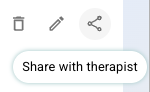
- share a note by using the share icon.
By default, the notes are only visible to the patient themselves. Sharing only occurs if the patient actively chooses to make an entry visible.
Therapist overview
Notes that the patient has chosen to share are displayed under Patient diary in the therapist's view. The entries are sorted by date.

Was this article helpful?
That’s Great!
Thank you for your feedback
Sorry! We couldn't be helpful
Thank you for your feedback
Feedback sent
We appreciate your effort and will try to fix the article