An additional useful feature in the list under the Patient tab is Patient groups.
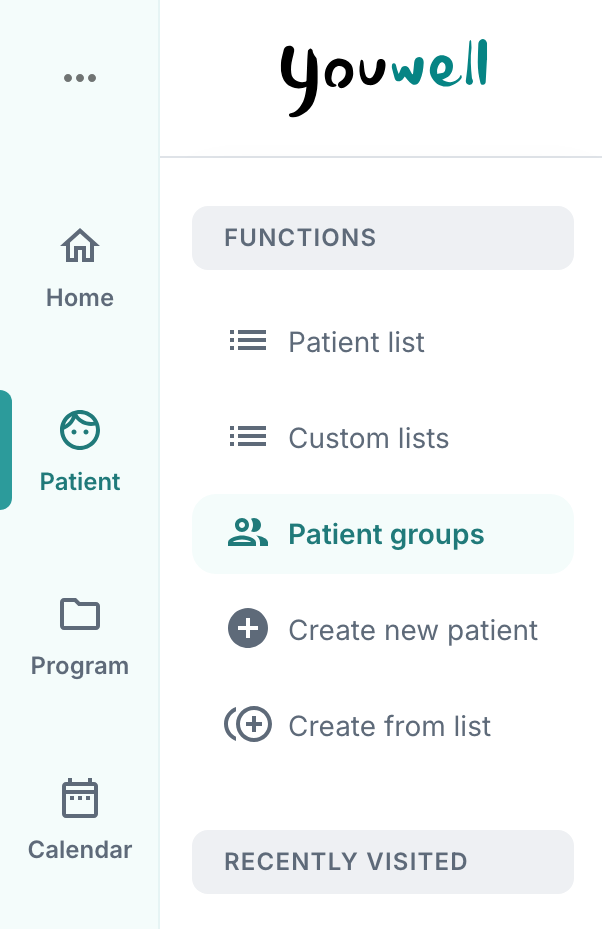
When creating a patient (read more here: Create new patients), they can be assigned to a patient group.
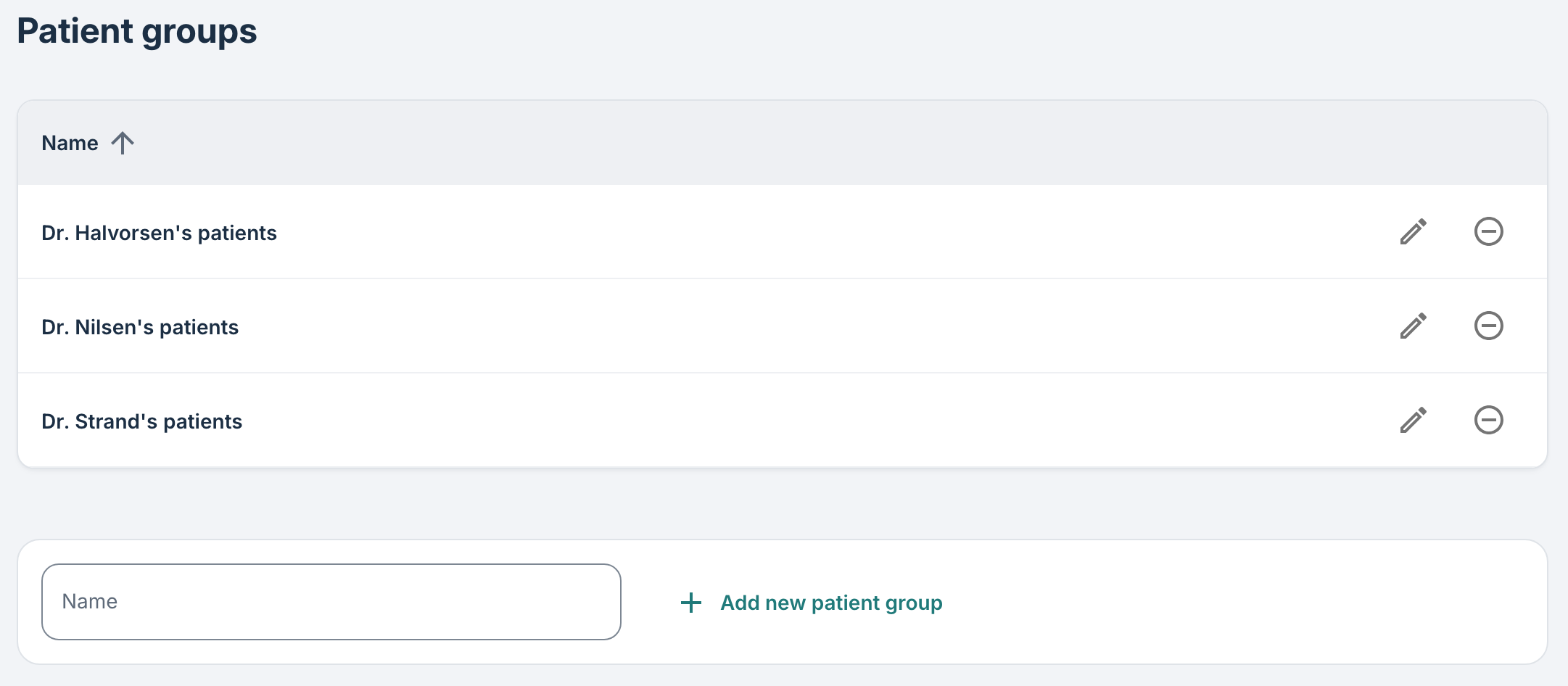
It is possible for administrators and super users on the account to set up and edit different groups. Therapists, however, will not have access to add new groups, but can see which of their patients belong to different groups.
Read more about different accesses and roles here: Different roles and accesses.
What are patient groups used for?
They are mainly used for visual sorting and categorisation of patients, so that you can have different lists based on when the patient starts (month 1, month 2), which clinicians the patient belongs to (as in the example below), which have a need for extra follow-up etc.
Was this article helpful?
That’s Great!
Thank you for your feedback
Sorry! We couldn't be helpful
Thank you for your feedback
Feedback sent
We appreciate your effort and will try to fix the article