Admin under Home is an additional tab that is available to you if you have administrator access in the platform. Here it is possible to carry out a few different actions, such as searching for patient access log, deleting all patients and restricting accesses.
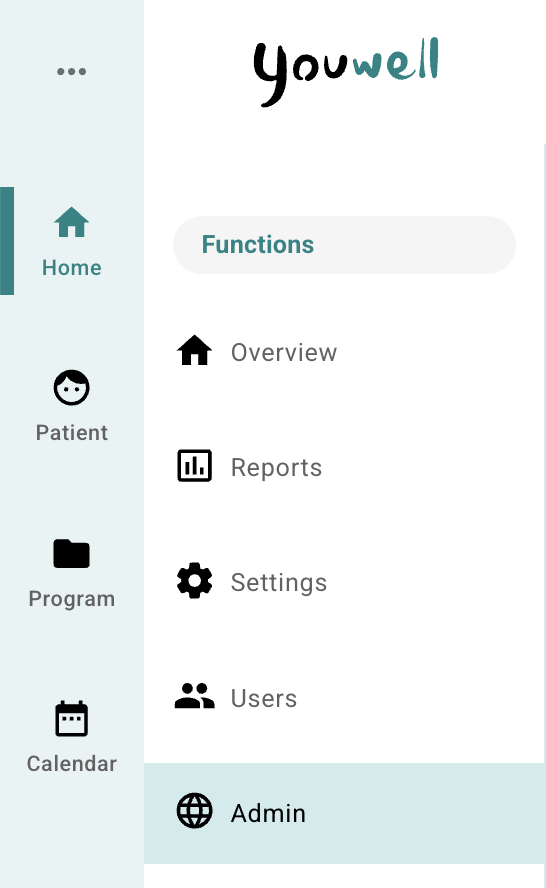
The page is divided into two or three areas: Restriction register, Patient access log and Patient operations, which are described in more detail below.
Restriction register
This tab is not visible for all organisations, but if you have it enabled it can be used to record clinicians who have restricted access to a patient. The patient’s national identification number and the clinician’s national identification number are recorded, as well as a valid until date if relevant. If a date is not recorded, there will be no expiry date. Add new is used to save.
Patient access log
Here it is possible to search for a patient by entering name, national identification number or telephone number. Search for patient is used, and the relevant patient is selected. An overview of Patient access for the selected patient is then displayed in a list with the name of the user, date and a simple explanation of the action that was carried out. It is also possible to use Download data to retrieve the information in CSV format.
Patient operations
Under Patient operations it is possible to perform administrative operations on all patients in the organisation. This includes, among other things, deleting all patients and reactivating patients.
Was this article helpful?
That’s Great!
Thank you for your feedback
Sorry! We couldn't be helpful
Thank you for your feedback
Feedback sent
We appreciate your effort and will try to fix the article