An appointment template can be linked to a programme or to a programme profile. When a patient is assigned that programme or profile, every appointment in the template is created automatically in the patient's calendar, starting from the assignment date and offset by the day numbers defined in the template. This removes the need to schedule the same set of appointments manually for every new patient on a structured treatment path.
Choosing what to link the template to
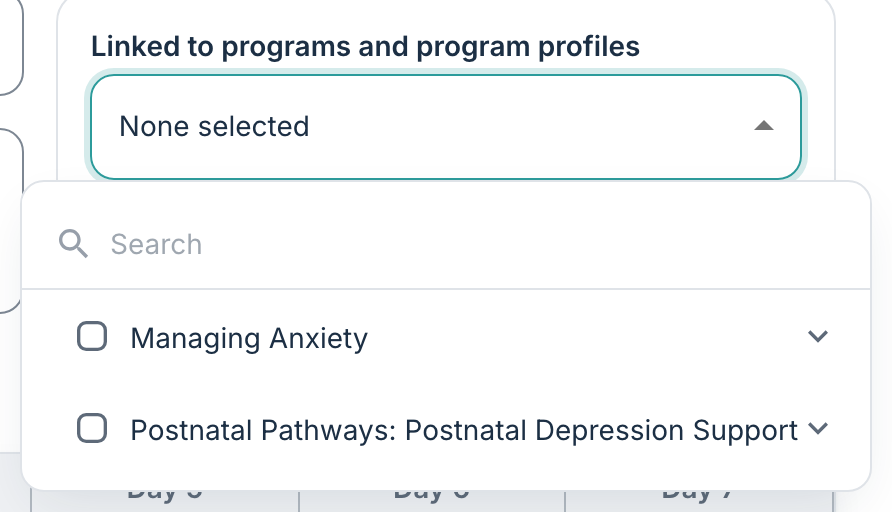
From the template detail page, you can use the Linked programmes and programme profiles picker to configure the selection.
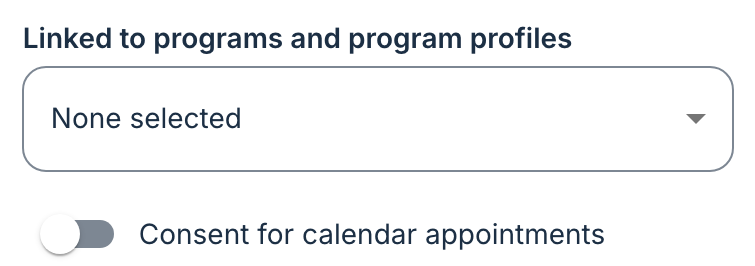
- Programme — selecting a programme means that every patient enrolled in the programme has the template's appointments created when they start.
- Programme profile — selecting a programme profile means that the template applies only to patients assigned that profile. This can be useful when one programme runs several profiles for different cohorts (for example weekday-only, weekend, or cohort A / cohort B) that need different appointment rhythms.
A template can be linked to more than one programme or profile at the same time.
What happens when a patient is assigned
The following describes the flow of events when a patient is assigned a programme or profile linked to a template:
- Day 1 of the template is placed on the assignment date.
- Every appointment in the template is created in the patient's calendar with a real date computed from its day offset.
- Any resources set on the template appointments, such as therapists, user groups, other patients on a shared cohort, are linked to the new appointments.
- A single summary notification is sent to the patient about the new appointments, rather than one per appointment.
Appointments created from a template can be edited, rescheduled or deleted afterwards like any other.
Was this article helpful?
That’s Great!
Thank you for your feedback
Sorry! We couldn't be helpful
Thank you for your feedback
Feedback sent
We appreciate your effort and will try to fix the article