Medication registration is part of the My Health-toolbox, which can be activated for the patient via Health registrations under Functions in the program settings. The feature makes it possible for the patient to register their medicines and tick off when they have been taken.
Patient's access
When the function is activated, the patient gets access to My Health → Medicine.
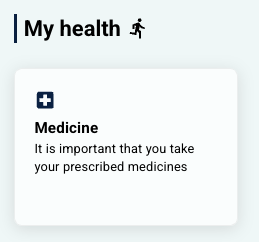 Display in the earlier patient app design (pre-2026) Display in the earlier patient app design (pre-2026) | 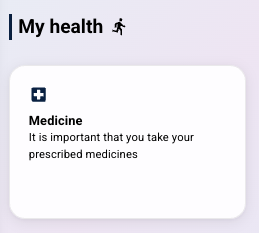 Display in the new patient app design (from 2026) Display in the new patient app design (from 2026) |
In this area the following is shown:
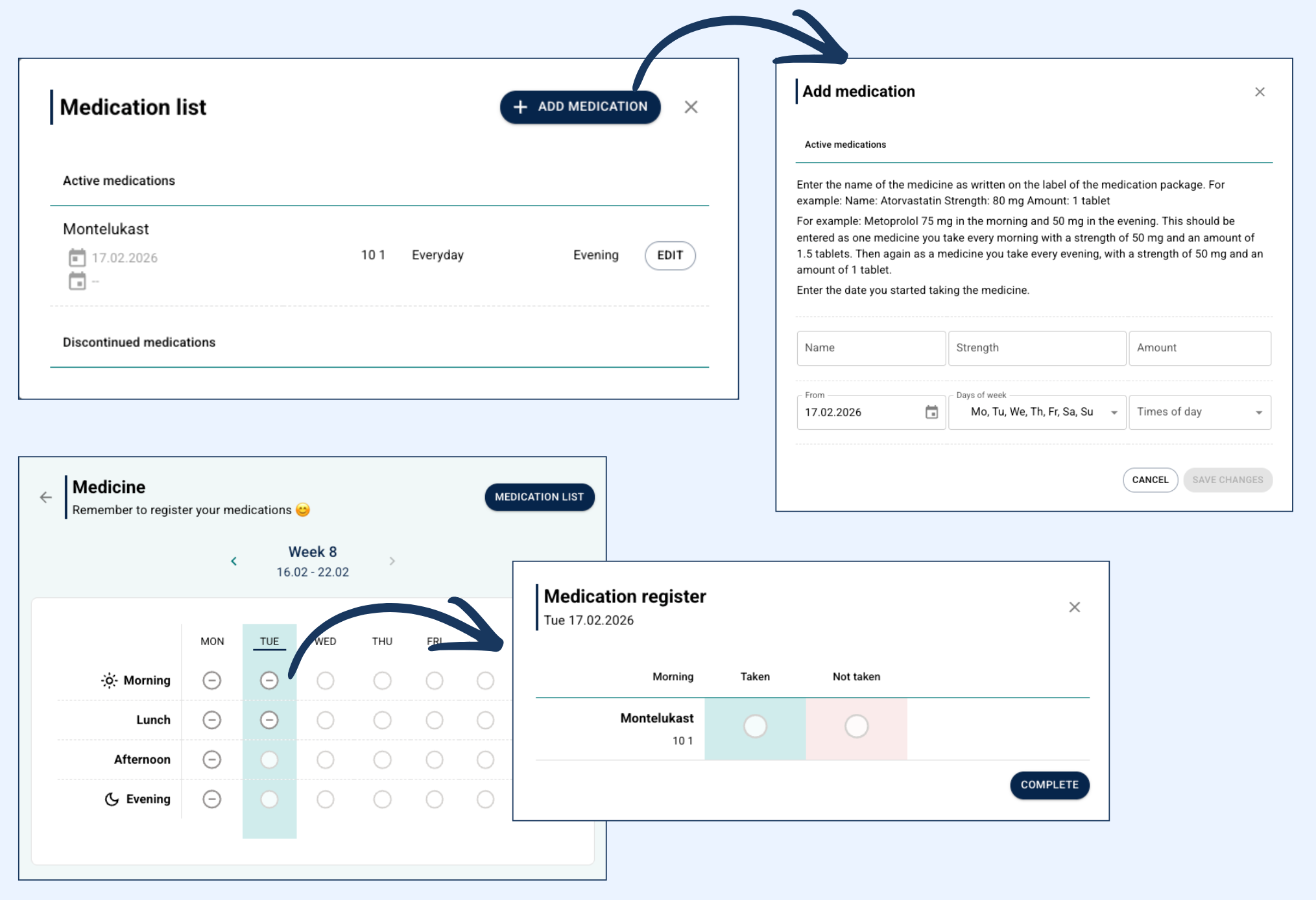
- Medication list – which can be used to add or edit existing medications.
- An overview of Discontinued medications.
- The possibility to enter new medications, specify strength, dosage, time of intake and frequency.
When changes are saved, the calendar view is updated with the new plan, and the patient can mark when the medication has been taken.
Therapist overview
The clinician’s view of the patient’s medication list can be found under Medications under Diary on the patient page. The view is sorted by:
- Active medications.
- Discontinued medications.
In the overview the clinician can see details about:
- Dosage and strength.
- Plan for intake.
- An overview of dates with an indication of whether the medication has been registered as taken.
Was this article helpful?
That’s Great!
Thank you for your feedback
Sorry! We couldn't be helpful
Thank you for your feedback
Feedback sent
We appreciate your effort and will try to fix the article