The Activities tab provides an overview of actions that the patient has carried out in the patient application. The clinician can see content pages visited and questionnaires that have been answered in the Program tab, and they will also find a more detailed overview that includes information about other tools/pages that have been visited and other actions that have been carried out.
The Activities tile on the Status page contains a shortcut to the tab.
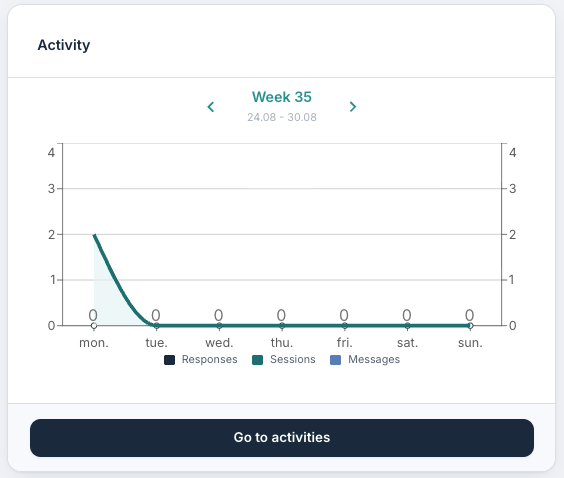
When selecting Go to activities from this tile, it is possible to view the Activities tab.
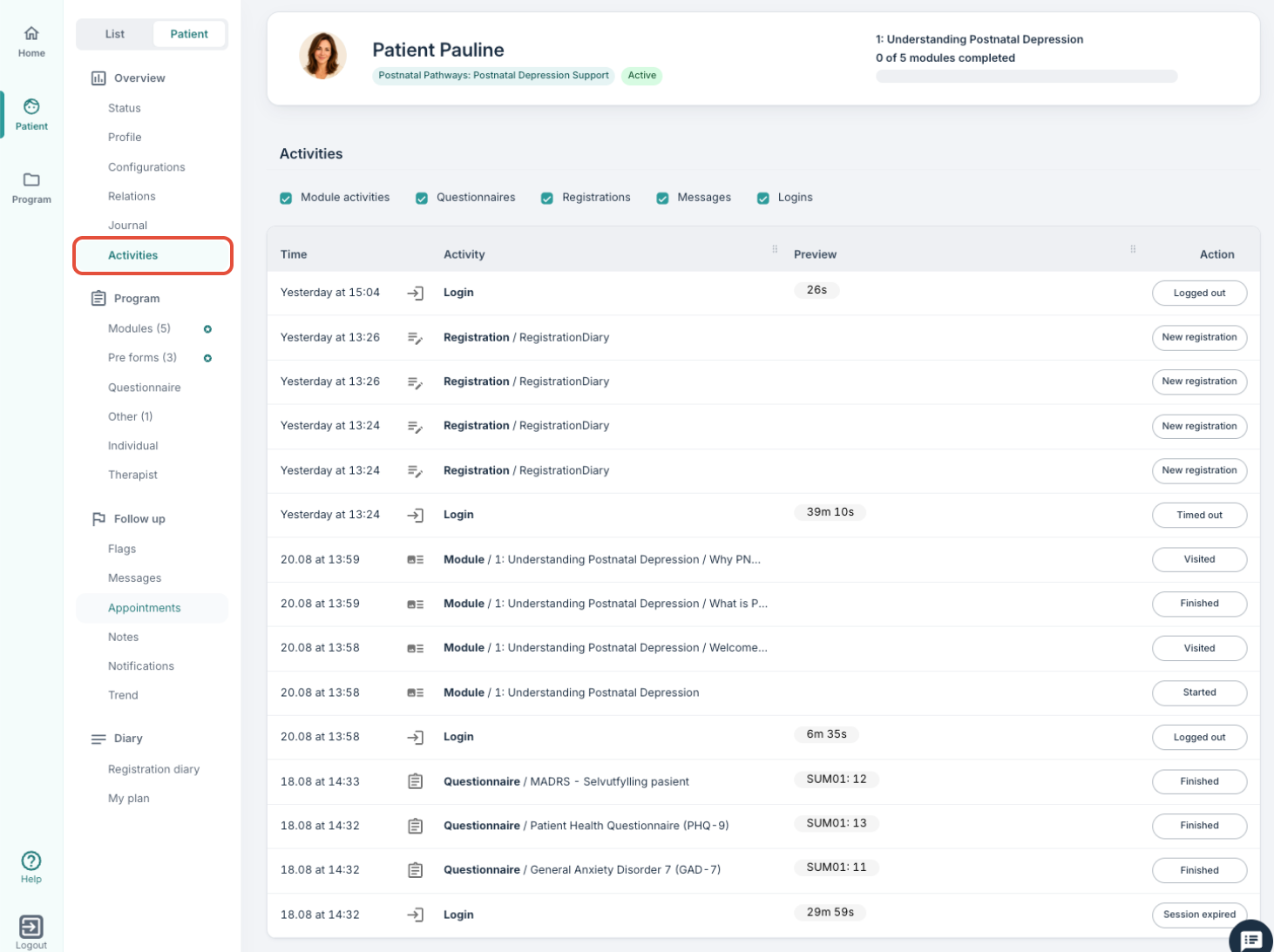
Here you will find a table containing Time, Activity, Preview and Action:
- Time shows the timestamp for the action.
- Activity shows what the patient has done in the patient application.
- Preview shows sum scores for questionnaires and some text for certain actions.
- Action provides an overview of what type of action the patient has carried out.
As the example shows, it is possible to see how active a patient has been in the patient application, including when they were last logged in. It will be recorded when a registration has been made, when a module or a questionnaire has been visited, and when a message has been submitted. It is possible to use the checkboxes at the top of the page to filter the display:

Selecting a row takes you to the relevant subpage containing more detailed information. Selecting a questionnaire response for example, will direct you to the relevant questionnaire in the patient's page so you can view the response in more detail.
Was this article helpful?
That’s Great!
Thank you for your feedback
Sorry! We couldn't be helpful
Thank you for your feedback
Feedback sent
We appreciate your effort and will try to fix the article