After you have logged in to the platform, your profile is visible by selecting your name in the top right or via My profile in the hamburger menu.
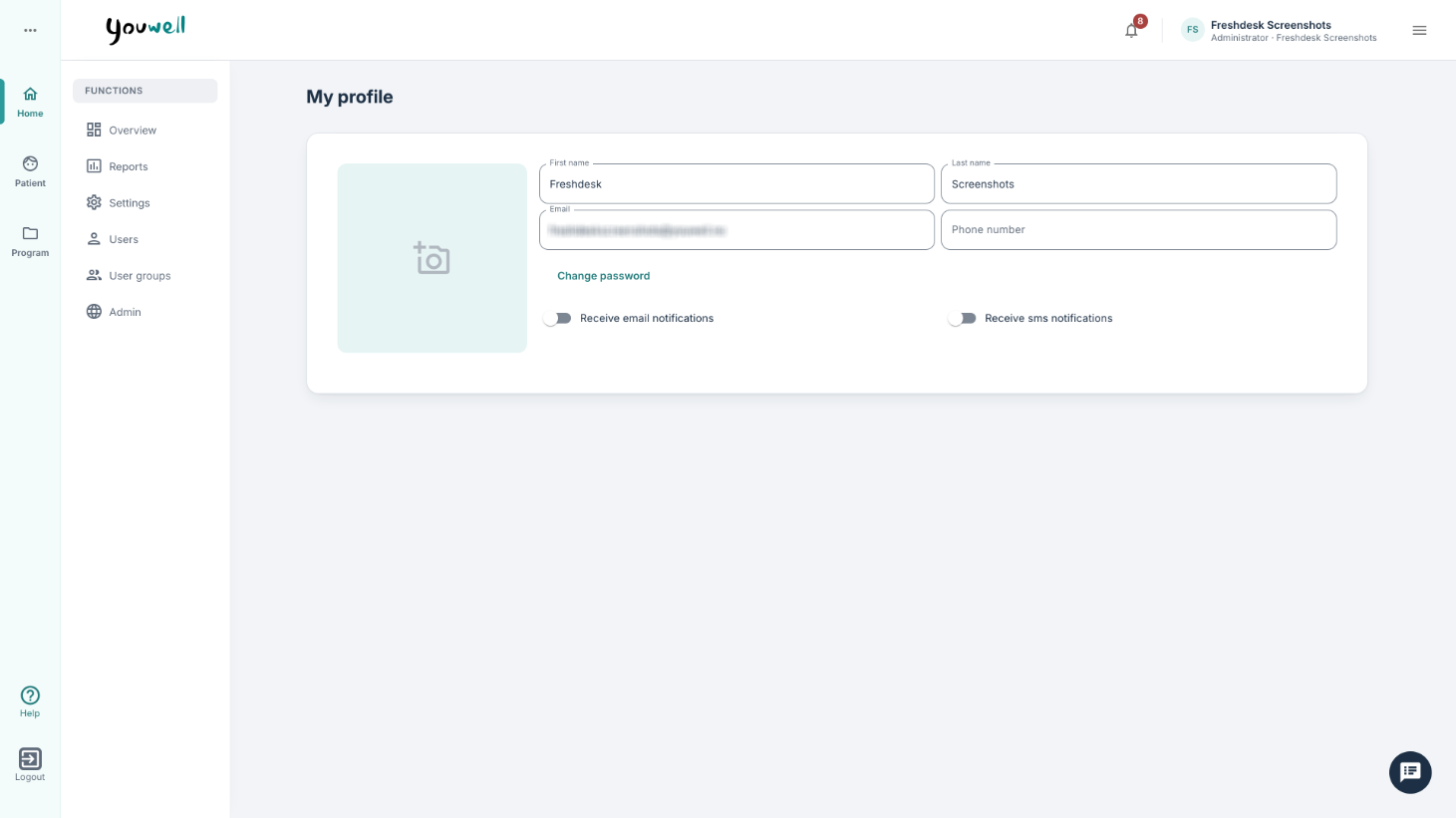
Here it is possible to edit email and telephone number, and update your password if relevant (for example when email-based login is activated for the organisation). In the example above we see that Jessica has selected her profile, has uploaded a picture and has the possibility to enter a telephone number that is missing.
Why add a profile picture?
It can be useful to add a profile picture, and also to encourage patients to add their own picture in the patient application, since this may contribute to faces becoming more recognisable. Profile pictures for practitioners are visible to those with administrator access who can see the Users tab, while patients’ profile pictures are visible to practitioners and others with access to the Patient area.
Do you need help?
Administrators in the organisation may be relevant contact points for questions about login or profile information. If you are uncertain who the administrator is, it is possible to see the list of users on the account by using the hamburger menu next to your name and selecting Users.
Was this article helpful?
That’s Great!
Thank you for your feedback
Sorry! We couldn't be helpful
Thank you for your feedback
Feedback sent
We appreciate your effort and will try to fix the article