The Favourites tool allows patients to bookmark certain content pages so that they can easily return to them.
In 2026 we have released a new patient application design. Some will adopt the new design while others may retain the existing design. We refer to both designs in this article so that it is possible to see how the same functionality appears in both versions.
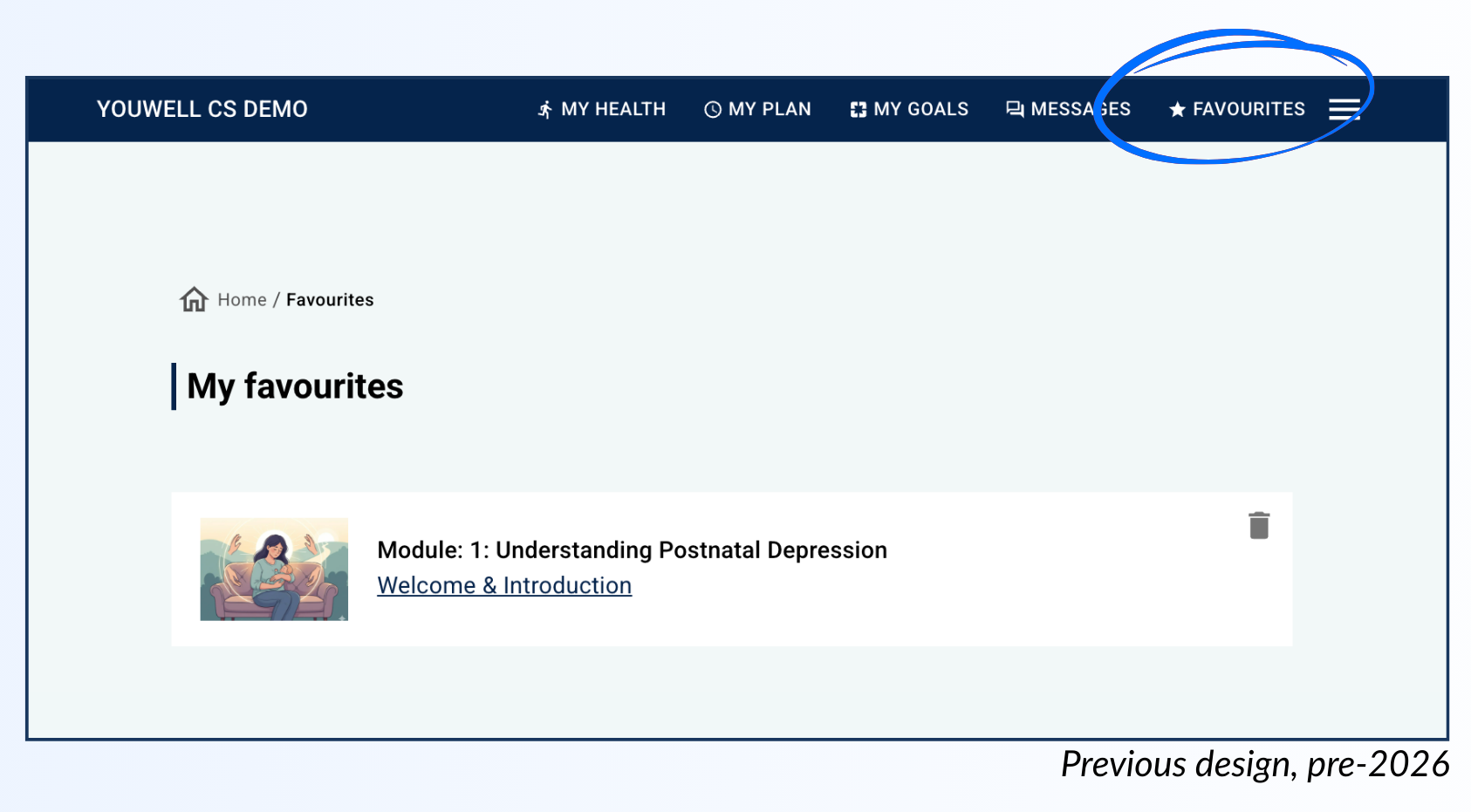
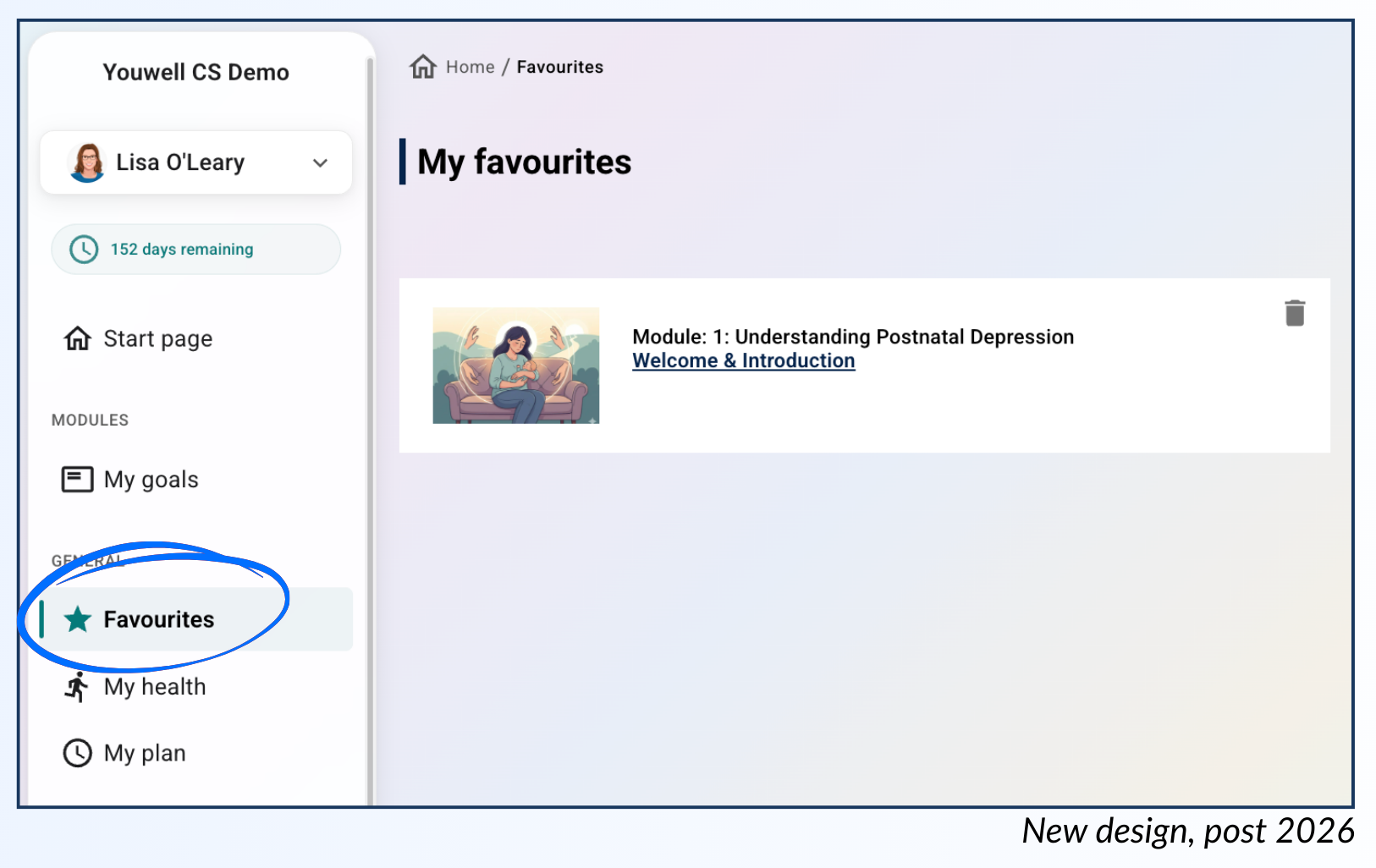
On any content page the patient will be able to use the star icon to mark the page as a favourite. Once marked, they can access the Favourites tool in the main menu, and they will then see a lost of the pages marked as favourites.
The list will show the module which the page belongs to, as well as the name of the page which acts as a direct link. They can use the bin icon to remove the page from the favourites window.
Was this article helpful?
That’s Great!
Thank you for your feedback
Sorry! We couldn't be helpful
Thank you for your feedback
Feedback sent
We appreciate your effort and will try to fix the article