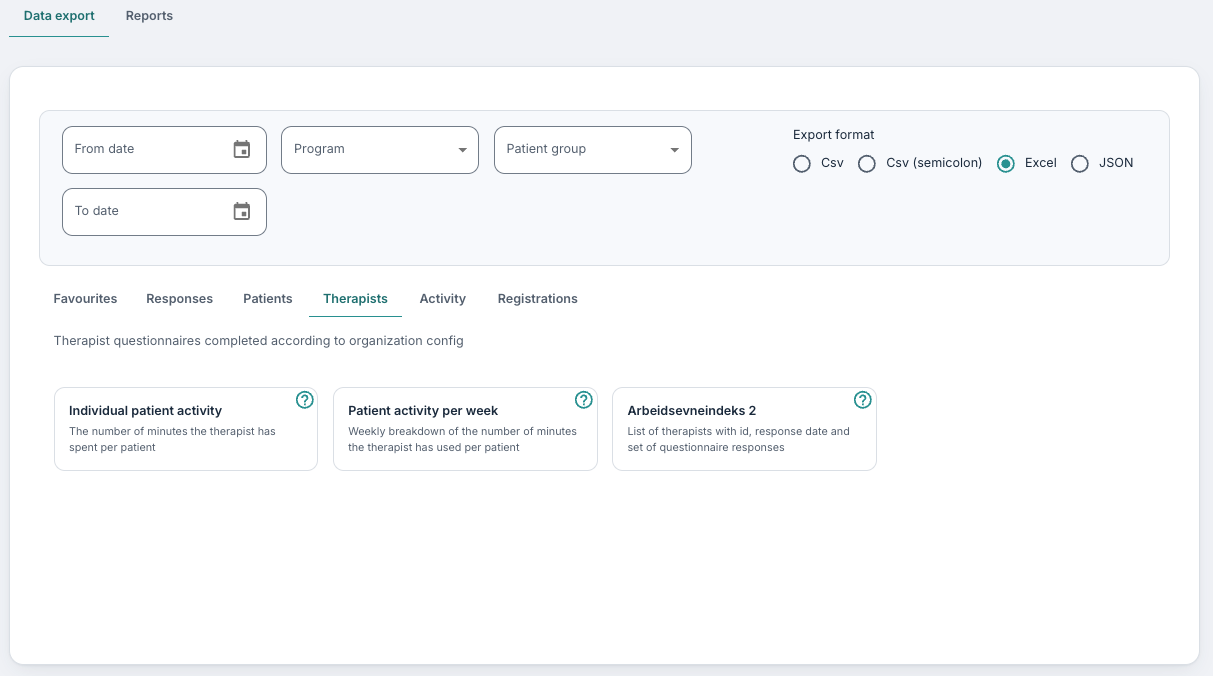
These reports indicate the activity level for clinicians in the system and how much time they have spent on their patients.
Individual patient activity
This report provides a matrix showing how many minutes each clinician or therapist has spent with each individual patient during the selected time period. Therapists are listed as rows (identified by their user ID) and patients as columns (identified by their patient ID). Only therapists who have logged time with at least one patient within the selected period will appear in the report. Patients shown are those registered within the organisation.
Patient activity per week
Here you get a list of each week downwards in column A, and then Patient ID going across, so that you can track the number of minutes spent by the clinicians per patient per week.
Therapist forms
If you have activated some therapist forms in the organisations, you will also find some exports for these. Here is an example:

The responses here will be sorted by therapist ID, and you will then see the date of the response and the responses per question going across.
Was this article helpful?
That’s Great!
Thank you for your feedback
Sorry! We couldn't be helpful
Thank you for your feedback
Feedback sent
We appreciate your effort and will try to fix the article